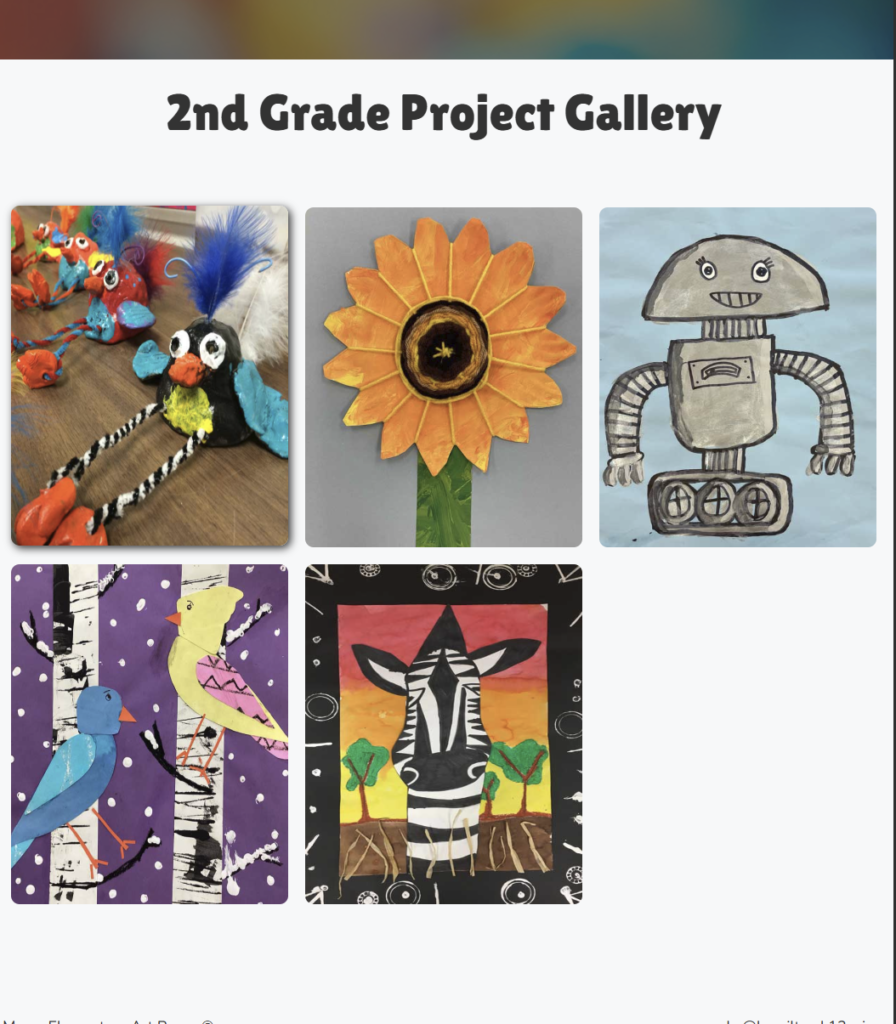
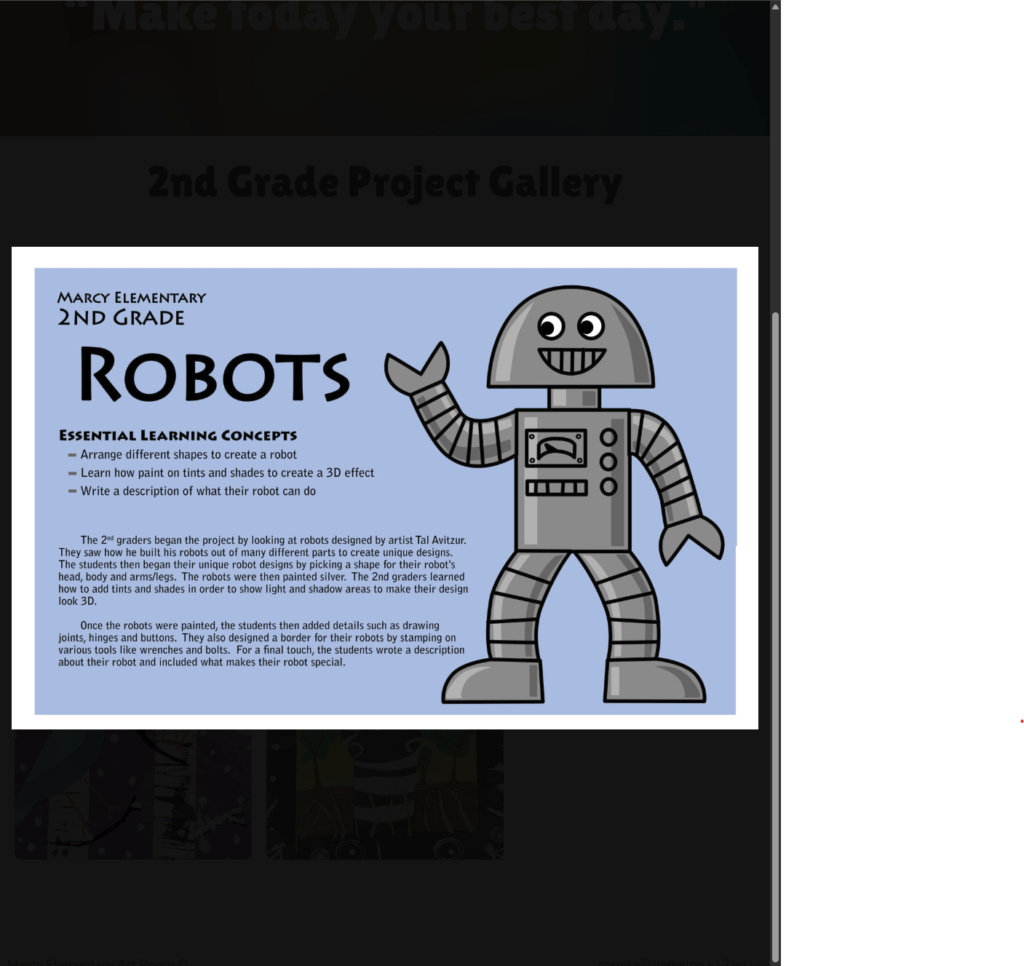
For this past week my main focus was on creating image galleries for the project for my client. These image galleries are to show off art projects that will be completed by students throughout the year for each grade level. Not only is it a gallery of images but when you click on the image it will drop down a second image that has information about the selected project.
To make this image gallery I followed this tutorial.
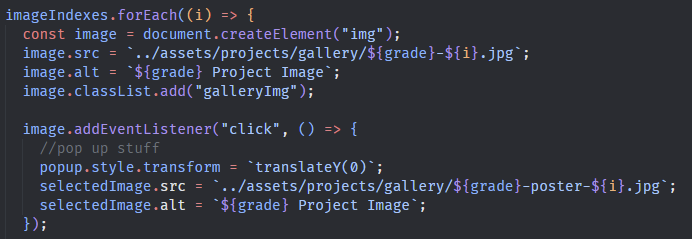
The image gallery is made using HTML, CSS, and JavaScript. I did have to make a change from the tutorial. The tutorial used the original gallery image as the bigger drop-down image, but I knew I wanted to use a different image and use the same script for multiple pages. To do that I used a data-set attribute in the HTML on each page. I also followed a consistent naming convention for the files. This allowed the script to read the data set in the HTML and know which images to select.
This is the HTML data-set I used

This it being used in the JavaScript
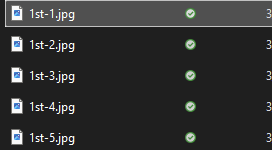
This the file naming I used so the script could find them in the folder.
Here is the image gallery I created.
Here is what the drop down image looks like after a project is selected.
This week I am looking to finish filling out the other pages and work on a contact form. I am getting closer to being done with the website now that some of the harder pages are finished.
0 Comments